17:08W12
Who Actually Performs the Restore? The Overlooked Party in Your Backup Plan
Backup plans are usually designed around the person who sets them up, not the person who will one day have to pull the data back out.
Digital4 min
Almost every conversation about backups is a conversation about copying. How many copies, where they live, how often they run, whether the drive is encrypted. That is the half of the job the buyer can see and control, and it is the half the software vendors compete on. The other half is the restore, and the restore is almost always performed under conditions nobody rehearsed, by someone who did not choose the system. There is a whole trade built around that moment, and its members have a fairly consistent view of where household and small-office plans break.
The technicians who only ever see backups after they have failed
Data recovery labs occupy a strange position next to your decision: they are the people you pay when the backup did not work, which means their sample is entirely composed of failures. Ask them what they see and the answers cluster. Drives that were backing up faithfully to a folder nobody had opened in three years. External disks that lived on the same desk as the computer and took the same surge. Sync services quietly mirroring an encryption event across every copy within the hour. Almost none of it is exotic hardware failure. Most of it is a copy that existed and could not be read.
That distinction matters when you are choosing what to spend on. Recovery from a physically failed platter is skilled, slow work priced accordingly, and no consumer product prevents the need for it if the only copy is on the failed device. Recovery from a bad backup design is often not recovery at all, because the file is simply gone in every place it was kept. Labs will tell you, without much prompting, that their most expensive jobs were preventable at the cost of one additional offline copy and one afternoon spent confirming that copy opened.
The person who will run the restore may not be you
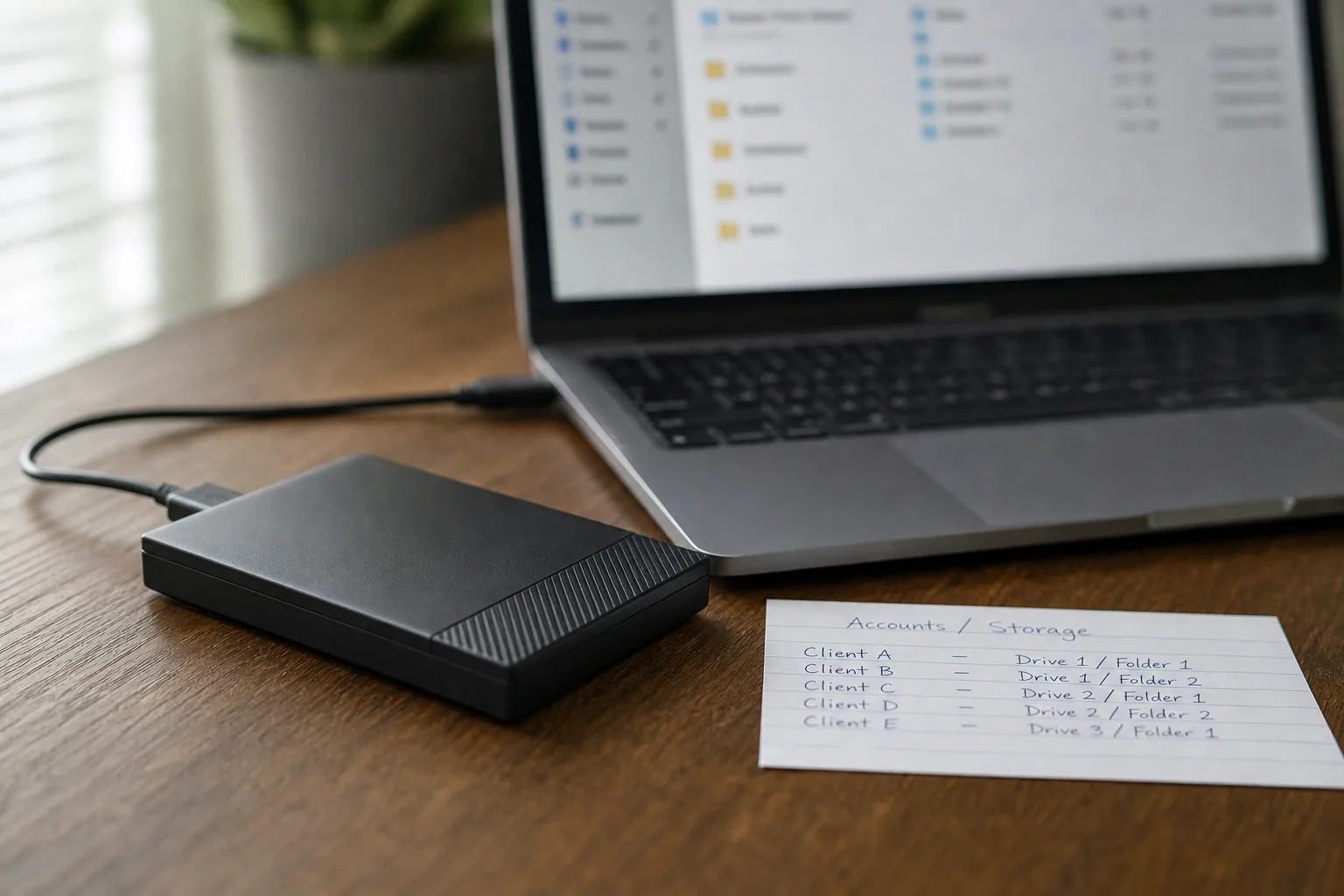
This is the party the plan usually ignores. A backup set is designed by whoever is most comfortable with the software, and it is retrieved by whoever happens to be available on the day, which could be a spouse, an adult child, a bookkeeper closing the quarter, a new office manager, or a contract technician who has never seen the setup before. That person needs three things you have in your head and nowhere else: where the copies are, what unlocks them, and what order to work in. Without those, a technically perfect backup is a locked box.
Practitioners who handle estates and small-business transitions treat this as a documentation problem rather than a technology problem. The useful artifact is short and physical: a single page, kept with other important papers, naming the service or device, the account it belongs to, where the recovery key or passphrase is stored, and who has legal authority to ask for access. Encrypted backups are the right choice and they are also the most common reason a family cannot reach its own photographs. The fix is not weaker encryption. It is naming a second human being who can complete the sequence.
What a tested restore looks like when someone does it for a living
Ask a systems administrator how they verify a backup and you will not hear anything about green check marks. You will hear about pulling a specific file from a specific date and confirming it opens in the application that made it, about timing how long a full restore actually takes on the connection available, and about restoring to different hardware than the original, since the original is frequently the thing that died. You will also hear about retention depth, because ransomware and slow file corruption both defeat a system that keeps only the most recent copy. The National Institute of Standards and Technology is responsible for the federal cybersecurity framework that puts recovery on equal footing with prevention, and the trade reads it the same way.
For a household or a two-person practice, the professional version of this scales down to something modest. Twice a year, pick a file you would genuinely miss, restore it from the oldest copy you keep, and open it. Note how long the whole exercise took, including finding the password. That number is your real recovery time, and it is usually several times longer than people guess. The exercise also surfaces the quiet failures, the folder that stopped being included after a reinstall, the second account that was never enrolled at all.
Where the greener option changes something, and where the label is doing the work
Cloud storage is often described as the environmentally lighter choice, and for a single household the comparison is more mundane than the marketing suggests. What you are trading is a small always-on device in a closet, drawing power continuously, against a share of a data center plus the network traffic to reach it. The genuine environmental variable in home backup is hardware lifespan. Drives retired on a fixed schedule while still healthy are a real material cost, and drives run to failure with no second copy are a recovery bill and a lost archive.
The defensible middle is dull and it works. Keep drives until monitoring or age suggests otherwise, keep two copies so a single failure is an inconvenience rather than an event, and when a disk does come out of service, wipe it properly and route it to a certified electronics recycler rather than a drawer. That approach also happens to be what recovery technicians recommend for entirely unsentimental reasons, since a spare healthy disk on hand is the cheapest tool in an actual restore.
The plan worth having is the one a second person can execute without you in the room, on hardware you have not bought yet, using a password they can find. Write that page. Then restore one file this month and see what it teaches you.