15:53W24
Green Backup Lights, Nine Weeks Stale. What One Failed Restore Taught a Small Firm
A surveying firm had three backup systems and a dashboard full of green checkmarks. The restore test it had never run would have found the problem in an afternoon.
Digital6 min
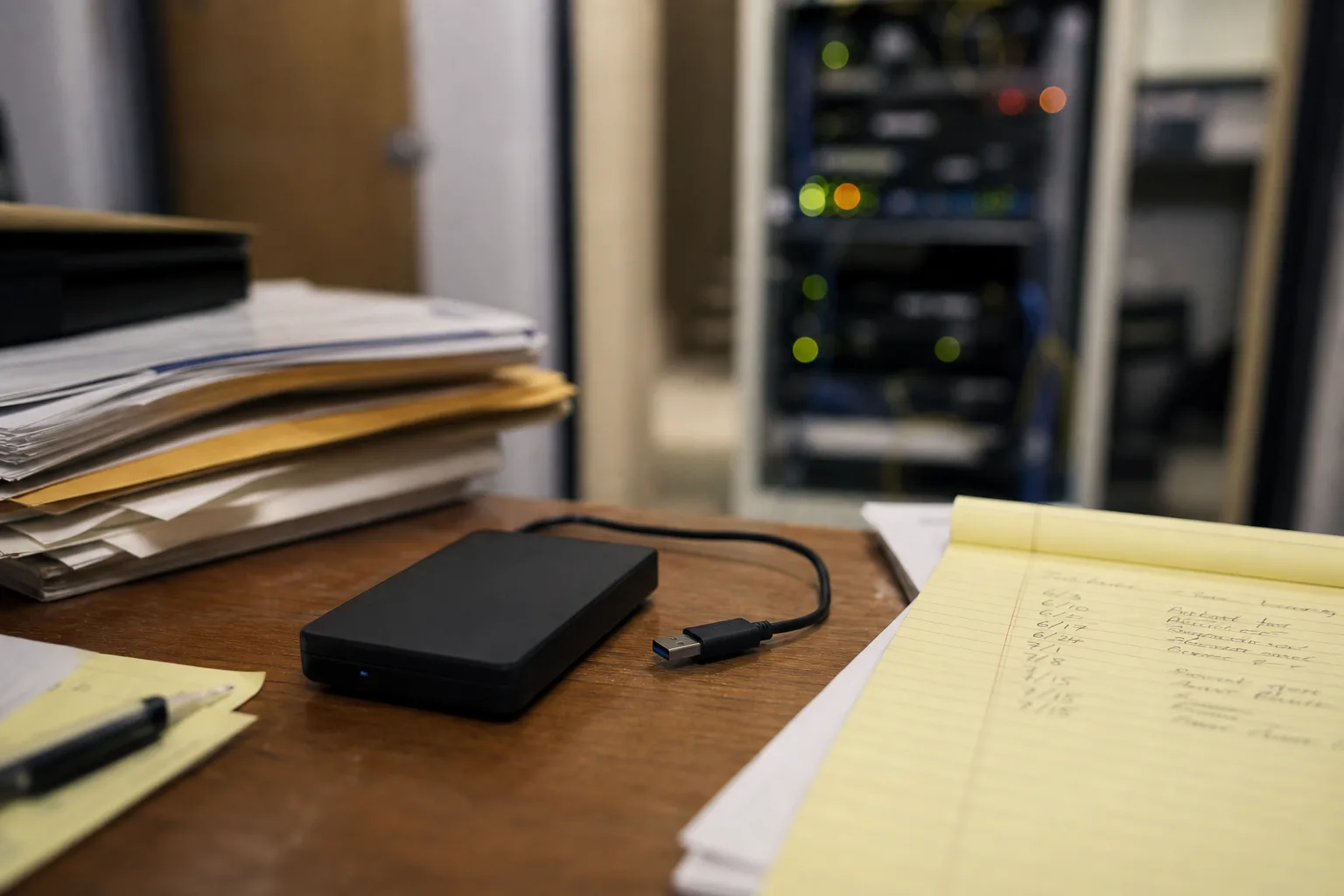
An eleven-person land surveying firm in a mid-sized city lost most of a working week last spring, and the reason was not that it had no backups. It had three. A cloud sync folder that every workstation wrote to, a local image appliance sitting in the server closet, and an external drive that a partner took home in a laptop bag on the first Friday of each month. On the dashboard, everything was green. The firm found out what the green meant on a Monday morning, when the file server refused to open a single project directory and the ransom note was the only readable document on the share.
Three copies, and what each one actually held
The cloud sync folder was the first thing anyone reached for, and it was the first thing to disappoint. Sync is not backup, because sync is obedient: when the encryption ran through the share on Friday evening, the client dutifully pushed the encrypted versions up and overwrote what was there. The service kept prior versions, which is what saved the firm from total loss, but version history was set to thirty days on some folders and to the default on others, and nobody in the office could say who had changed which. Recovering by version meant clicking through files one at a time. There were tens of thousands of files.
The image appliance was the real disappointment, and it failed quietly, which is the way these things usually go. Seven weeks earlier, someone had adjusted the nightly job window to stop the backup running into the morning, and the schedule change had orphaned the full-image job while leaving the incremental job running. The appliance kept reporting success, because the incrementals genuinely were succeeding. They were just chaining off a base image from nine weeks back. The dashboard was not lying. It was answering a narrower question than anyone in the office thought they were asking, which is the difference between a job status and a recovery.
The monthly external drive was the copy that finally worked, and it worked because it had been physically unplugged and out of the building since the first Friday of the previous month. That is the whole mechanism. An offline copy cannot be encrypted by something moving across the network, and no amount of software configuration substitutes for a cable that is not connected to anything. The firm restored from that drive, lost about five weeks of field data and drawing revisions, and spent the following week re-entering what it could reconstruct from email attachments, plotted PDFs and the surveyors' own notebooks.
The database that restored and would not open
The narrower failure inside the larger one is the part worth studying, because it is the part a scheduled job will never catch. The firm's project management application sat on a SQL database, and that database restored cleanly from the external drive in the sense that the files came back the right size with the right names. It would not mount. The backup software had copied the data files while the service was running and while writes were in flight, without a working shadow copy writer to freeze the database into a consistent state, so what came back was a snapshot of a moment that never existed. Half a transaction is not a transaction.
This is the class of problem that only a restore reveals. Backup verification, in most products, means a checksum: the bytes that were written match the bytes that were read. That is a useful check and it catches media failure, but it says nothing about whether the application on the other end will accept the result. The firm eventually recovered the project data from a quarterly archive that a former office manager had set up years earlier and nobody had touched since, then reconciled it against invoices. The archive was not part of any documented plan. It was luck, and the partners knew it.
Where the rules stop being advisory
Small professional firms tend to treat backup practice as an IT preference, something between the office manager and whoever answers the support line. It is more governed than that. The Federal Trade Commission oversees data security obligations for firms that handle consumer financial information, and a surveying practice that holds client payment details and contracts sits closer to that line than its partners assumed. State breach notification law applied too, and the question of whether client data had been copied out rather than merely encrypted determined whether letters had to go to anyone. Answering that question required logs, and the logs lived on the server that had been encrypted.
The condition with the sharpest teeth turned out to be in the cyber liability policy. Coverage for business interruption and data restoration was written against representations the firm had made on its application, including that it maintained backups isolated from the production network and tested them periodically. The offline monthly drive satisfied the first half. The second half was a problem, because the firm could not produce a single record of a restore ever having been performed. It had signed an attestation describing a practice that existed as an intention. Adjusters read those attestations closely, and the firm spent more time reconstructing evidence of what it had done than it spent on the recovery itself.
Two vocabulary items from contingency planning are worth borrowing here, because insurers and auditors both use them and they force a decision that dashboards let you avoid. Recovery point objective is how much work you are prepared to lose, measured in time. Recovery time objective is how long you are prepared to be down. The surveying firm, asked afterward, said one day and one day. Its actual configuration delivered five weeks and one week. Nobody had ever written the two numbers next to each other, and writing them next to each other is most of the exercise.
What a real test costs to run
The firm's new practice is unglamorous and takes one afternoon a quarter, which is roughly what it takes anywhere at this size. A staff member restores the project database and two randomly chosen job folders to an isolated virtual machine, starts the application against the restored database, opens a drawing, runs a report, and writes down the date, the backup set used, the time the restore took and whether it worked. That sheet is the artifact. It is what the insurer wanted, it is what a client's security questionnaire asks for, and it is the only thing that distinguishes a tested backup from an assumed one.
They also changed what the copies are, not just how often someone looks at them. The image appliance now writes to cloud storage with an immutability window, so that retained copies cannot be deleted or altered before the window expires, by an intruder with stolen credentials or by an administrator having a bad day. The monthly drive stayed, because it costs almost nothing and it is the copy that saved them. And the sync folder is now described accurately in the firm's own documentation as file availability, not as a backup, which sounds like semantics until the week you are relying on it.
There is a quiet efficiency argument in all of this that rarely gets made. Every one of those three copies was already being paid for, in licensing, in storage and in the electricity to keep the appliance spinning, and two of them were returning nothing. Testing did not add a system. It found the money already spent and made it real.
The label had been doing the work. Once someone actually restored a file and tried to open it, the firm knew within an hour which of its protections were protections, and the fix for the rest was a schedule change, a retention setting and a signed sheet in a folder.